Graviro
Meshlook
A Graviro utility for macOS

See your 3D models before you open them.

Meshlook brings visual previews of STL, OBJ, and 3MF files to Finder — native thumbnails in every folder, and full Quick Look previews you can spin with the space bar.

Soon

macOS 13 and later · Apple silicon and Intel · No account required

bracket_v4.stl — Quick Look
Drag to orbit184,320 triangles · 42.1 MB · binary STL
What it does

Your model folder, finally readable.

Meshlook is a Finder extension, not another app to keep open.

Thumbnails

Every file shows its geometry.

Icon, list, column and gallery views all render the real mesh, so a folder of exports stops being a wall of identical file icons.

STL preview of a figure with sculpted hair
bust_hair.stl
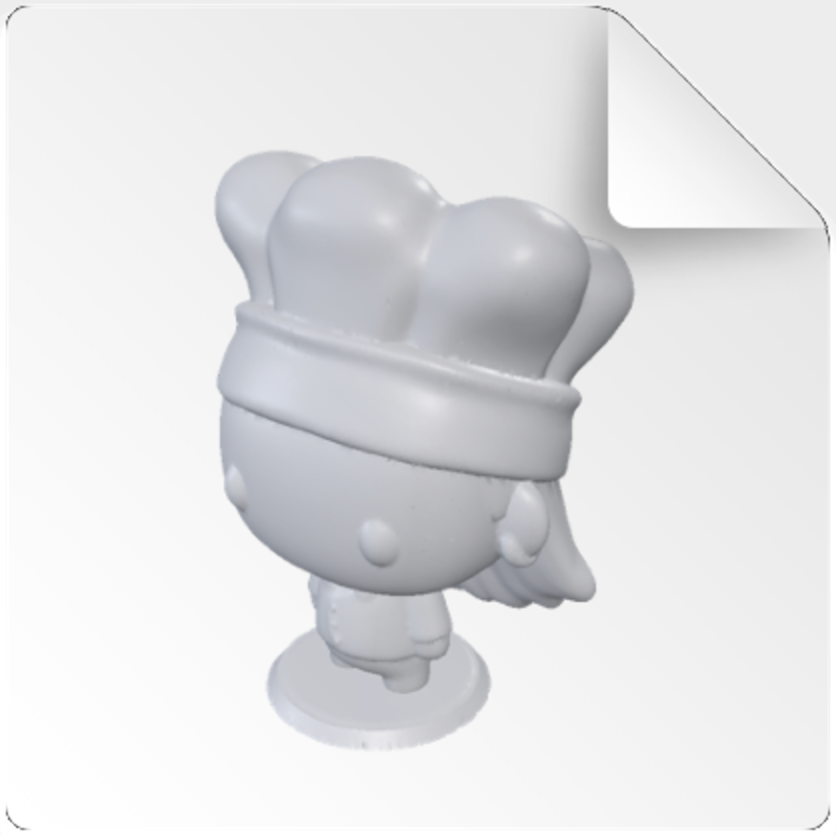
STL preview of a figure wearing a chef hat
chef_head.obj
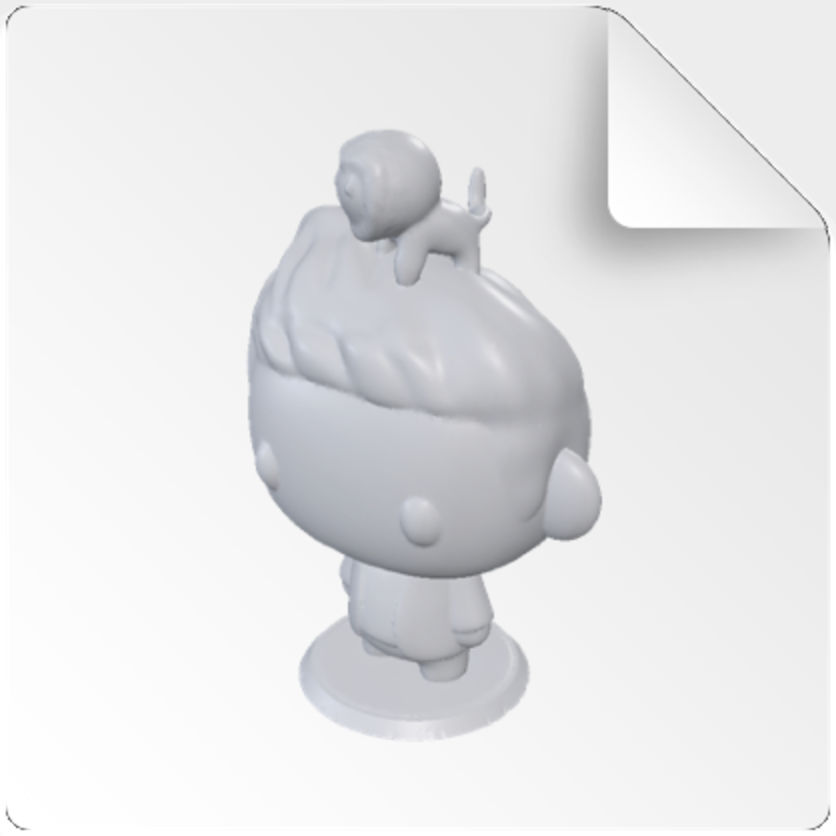
STL preview of a figure with a small creature on top
rider.3mf
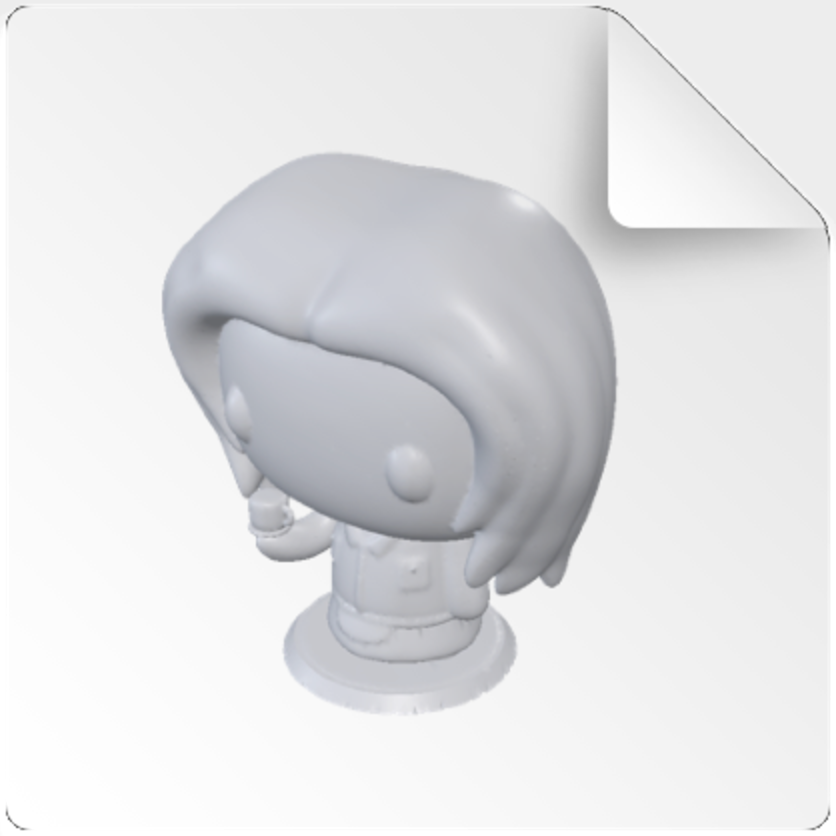
STL preview of a figure with a bob haircut
bob_cut.stl
Quick Look

Space bar, then orbit.

Rotate, zoom and check wall thickness without launching a slicer.

Private

Nothing leaves your Mac.

Rendering is local and sandboxed. No uploads, no telemetry, no account.

Supported formats

Three formats, done properly.

STLBinary and ASCII, including multi-solid files from CAD exports.Thumbnail · Quick Look
OBJGeometry with companion MTL colour and material groups.Thumbnail · Quick Look
3MFFull build plates, per-object colour and printer metadata.Thumbnail · Quick Look

STEP and glTF are in progress. Tell us what your pipeline exports.

Who it's for

Built for people who live in the file browser.

Modelers

Find the right revision among forty exports at a glance.

Game developers

Check an asset drop before it reaches the engine import step.

Print operators

Confirm orientation and plate contents before slicing.

Studios

One purchase per Mac, and nothing for IT to administer.

One purchase
$0.99one time, per Mac
All three formats, thumbnails and Quick LookFree updates for the current major version
Soon
Questions

Before you install.

Anything else, support answers within a working day.

Does it slow Finder down?

Thumbnails are generated once and cached by macOS. Large files render progressively, so scrolling stays smooth.

Do I need to keep an app running?

No. Meshlook installs a system extension and then stays out of the way. There is no window and no menu bar item.

Does it work on network and cloud volumes?

Yes, including SMB shares, Dropbox and iCloud Drive once a file is downloaded locally.

What happens to my files?

They are read, rendered and never written to or transmitted. Details are in the privacy policy.

Stop opening files to find out what they are.

Installs in under a minute. Works with the folders you already have.

Soon